
Virtual USD card in Telegram
CRYPTO. WITHOUT THE OLD RULES.
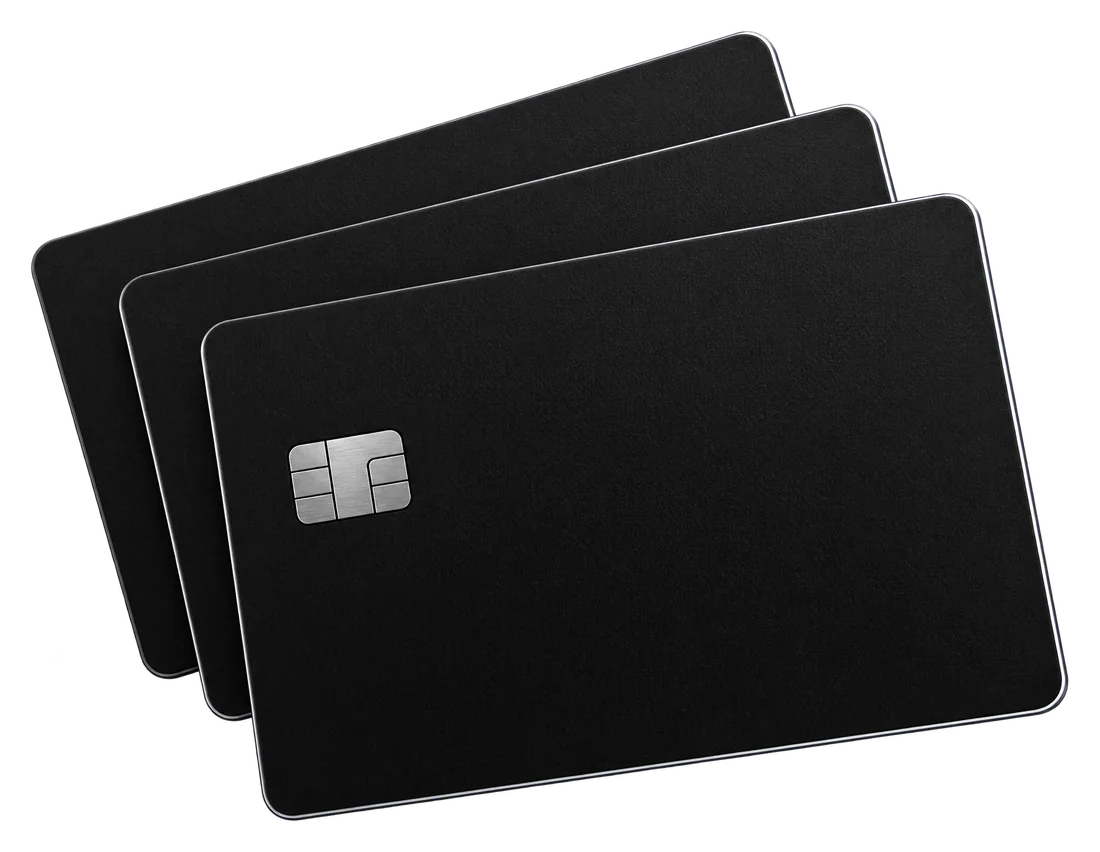
A virtual USD Visa card, topped up with USDT (TRC-20). Pay online, or add it to Apple Pay and Google Pay.
No KYC, Ready in a few minutes, Everything in Telegram
SAME MONEY MORE PLACES
- $5.00on a new card at once
- 3cards in one account
- TRC-20USDT top-ups
ONE APP ALL IN TELEGRAM
THREE STEPS. A FEW MINUTES.
Everything happens in the Vinida bot. Nothing to install.
Open the botOpen the bot
Press Start, pick a language and register: country, email, a name for Apple Pay and Google Pay, a password and a PIN.
Pay in USDT
Send the exact amount in USDT (TRC-20) to the address in the app. The card is ready in a few minutes, with $5.00 on it.
Pay with the card
Shop online, or add the card to Apple Pay or Google Pay. Top up whenever you need.
ONE CARD. ALL IN TELEGRAM.
Get the card, top it up, see its details and every payment without leaving Telegram.
See the prices
Visa · US dollars · virtual
Number, expiry and CVV in the app, behind your PIN.

Top up in USDT
TRC-20 only. The exact amount is shown before you pay.

Freeze in one tap
Payments are declined while the card is frozen.

Spending at a glance
Every purchase, top-up and fee, by day, week, month or year.
WHAT IT COSTS.
- Card
- 15.00 USDT
- $5.00 on the card at once
- Top-up
- 4.5% + 0.50 USDT
- From $10.00 to $2,500.00 at a time
- Declined attempt
- $0.30
Standard prices. The exact amount, down to the cent, is shown in the app before you pay.
Open the botPAY WITH YOUR PHONE.
Add the card to Apple Pay or Google Pay by hand and pay in shops with your phone.
Apple Pay
Open Wallet, tap +, choose Debit or Credit Card and enter the details by hand.
Google Pay
Open Google Wallet, tap Add to Wallet, choose Payment card and enter the details by hand.
Codes come to the bot
3DS codes and wallet codes arrive in the bot chat. If the wallet offers an email or a phone number, pick either one.
Name for Apple Pay and Google Pay: any name in Latin letters. You set it in the app, and it shows in the card details.
LIMITS AND RULES.
Read this before your first payment. The fees, the restricted categories and the countries are also in the app, under Help.
Limits
- Top-up: from $10.00 to $2,500.00 at a time
- Up to 3 cards in one account
- USDT on TRON (TRC-20) only. Other tokens and networks cannot be recovered.
- Each declined attempt costs $0.30.
What the card can't pay for
- Money transfers, wallet top-ups, buying crypto
- Brokers and investing
- Casinos and betting
- 18+ sites
- Tobacco
- Pharmacies
- Weapons
- Pawn shops
- Debt collectors
- Political and religious organisations
Countries where the card does not work
Afghanistan · Albania · Angola · Belarus · Bosnia & Herzegovina · Burundi · Central African Republic · Congo - Kinshasa · Côte d’Ivoire · Cuba · Eritrea · Ethiopia · Guinea · Guinea-Bissau · Haiti · Iran · Iraq · Kosovo · Lebanon · Liberia · Libya · Mali · Myanmar (Burma) · Nicaragua · North Korea · North Macedonia · Pakistan · Russia · Serbia · Sierra Leone · Somalia · South Sudan · Sudan · Syria · Ukraine · Venezuela · Yemen · Zimbabwe
Also Abkhazia, Nagorno-Karabakh, Northern Cyprus, Western Sahara, Somaliland and South Ossetia.
Residents of these countries cannot register: Belarus, Cuba, Iran, North Korea, Russia.
SAFE BY DEFAULT.
The app stays locked behind your PIN. Every code and every alert comes to you.

A PIN on every open
4 digits each time you open the app, and again after 5 minutes without activity.
Details behind the PIN
Number, expiry and CVV show only after the PIN and hide on their own after 30 seconds.

3DS codes in Telegram
Codes for online purchases arrive in the bot chat, with an alert for every payment.

Password and email codes
A forgotten PIN or another Telegram needs your password and a 6-digit code from your email. A new email needs your PIN and an email code.
Freeze in one tap
A frozen card declines every payment until you unfreeze it.
QUESTIONS.
Not here? Write /support in the bot chat.
Do I need documents?
No. No KYC. Registration asks for your country, an email, a name for Apple Pay and Google Pay, a password and a PIN.
Which email should I give?
One you can open. Codes for a forgotten PIN and account changes come there.
How do I pay?
In USDT on TRON (TRC-20), from any wallet or exchange. Send the exact amount the app shows: the last cents tell us the payment is yours. From an exchange, add its fee on top.
I paid but nothing shows.
In the app, tap «I paid but it is not showing» and paste the transaction hash. If only part arrived, the app shows how much to add.
How fast is the card ready?
A few minutes after the payment is confirmed on TRON. The bot tells you when it is active.
Where do 3DS codes arrive?
To the chat with the bot, together with an alert for every payment. Keep the chat.
Can I have more than one card?
Yes, up to 3 in one account. Each card is topped up separately.
Can I send money with the card?
No. The card is for payments. Transfers, wallet top-ups and buying crypto are not allowed.
What does a declined payment cost?
$0.30 for each declined attempt. The bot tells you about every declined payment.
I lost my Telegram account.
Open the bot in your new Telegram, tap «I already have an account» and sign in with your email, the code from the letter and your password.
How do I reach support?
Write /support and your question in the bot chat. The answer comes to the same chat.
YOUR MONEY. MORE FREEDOM.
A virtual USD Visa card in Telegram. Ready in a few minutes.
Open the bot